
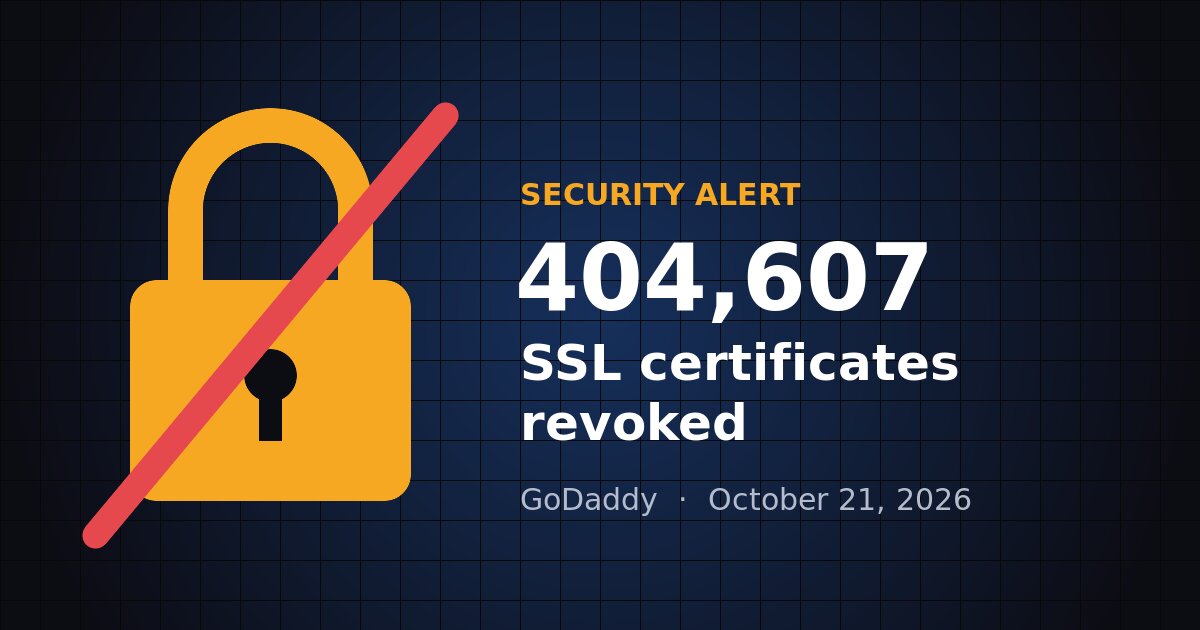
On October 21, 2026, GoDaddy revoked 404,607 SSL/TLS certificates issued under its GoDaddy and Starfield brands. If your website uses one of them and the replacement hasn’t been installed, visitors may see a browser security warning, or may not be able to reach your site at all.
Here’s what happened, how to tell whether you’re affected, and what to do about it.
What happened
Certificate authorities like GoDaddy must issue certificates exactly as described in their published rules, the Certificate Policy and Certification Practice Statement (CP/CPS). A third party noticed that some GoDaddy certificates didn’t match those rules. The mismatches were in technical policy details inside the certificates, such as policy identifiers and links to the CPS.
GoDaddy paused issuance and corrected its certificate profiles. Its review then turned up the same problem in its older Starfield G2 hierarchy. Industry rules require certificates issued incorrectly to be revoked within days, so GoDaddy revoked them all:
- 208,896 Starfield R1 Domain Validation (DV) certificates
- 187,159 Starfield G2 Domain Validation (DV) certificates
- 8,552 Organization Validation (OV) and Extended Validation (EV) certificates
The good news: this was a compliance and documentation error, not a security breach. No private keys were stolen and encryption wasn’t broken. The bad news: a revoked certificate stops being trusted by browsers either way, so any site that hasn’t installed its replacement is effectively offline for many visitors.
Are you affected?
You may be affected if you bought an SSL certificate from GoDaddy, or if your web host or developer installed one for you. The quickest checks:
- Visit your website in Chrome, Edge, Safari or Firefox. If you see a “Your connection is not private” or similar warning, act now.
- Check your GoDaddy account. Affected certificates are flagged in the SSL Certificates section.
- Use GoDaddy’s SSL Status Check at ssltools.secureserver.net/cert-check to see which certificate your site is actually serving.
How to fix it
GoDaddy has reissued the affected certificates, but a replacement sitting in your account does nothing until it’s installed on your server. GoDaddy’s steps:
- Sign in to GoDaddy, go to your product page and select Manage All next to SSL Certificates.
- Open each certificate and read the message at the top:
- “Action required: Install your new certificate”: download and install the new certificate.
- “We couldn’t check your website”: download and install it if you haven’t already.
- “This certificate needs your attention”: replace the certificate, then install the new one.
- “No action needed”: you’re all set.
- Select Download Zip File (or Download Certificate for Deluxe Automated SSL) and install the certificate on your web server, firewall or load balancer.
- Run the SSL Status Check again and confirm your site is serving the new certificate.
Remember any other place the same certificate is installed: mail servers, VPN appliances, firewalls, load balancers and internal applications are easy to forget.
The bigger lesson: certificates need management
This incident is a reminder that SSL certificates can be pulled at short notice through no fault of your own. Certificate lifetimes are also shrinking under new industry rules, from about a year today to just 47 days by 2029, so manual renewals will soon happen far more often. A few habits go a long way:
- Keep an inventory of every certificate you own, where it’s installed and when it expires.
- Automate renewal and installation wherever you can.
- Monitor your sites so you hear about a certificate problem before your customers do.
- Make sure emails from your certificate provider reach someone who will act on them, not an old or unmonitored inbox.
Need a hand?
If you’re not sure whether your site is affected, or you’d rather not install certificates yourself, we can help. Our Managed IT Services (MSP) and web hosting and development clients get certificate monitoring and renewals handled for them. Contact us or call our 24/7 line at 316-444-0203.
Sources: GoDaddy Help: CP/CPS certificate profile bug; Cyber Press; Hackread.